Steam Deck Boost Tutorial
04/14/2023
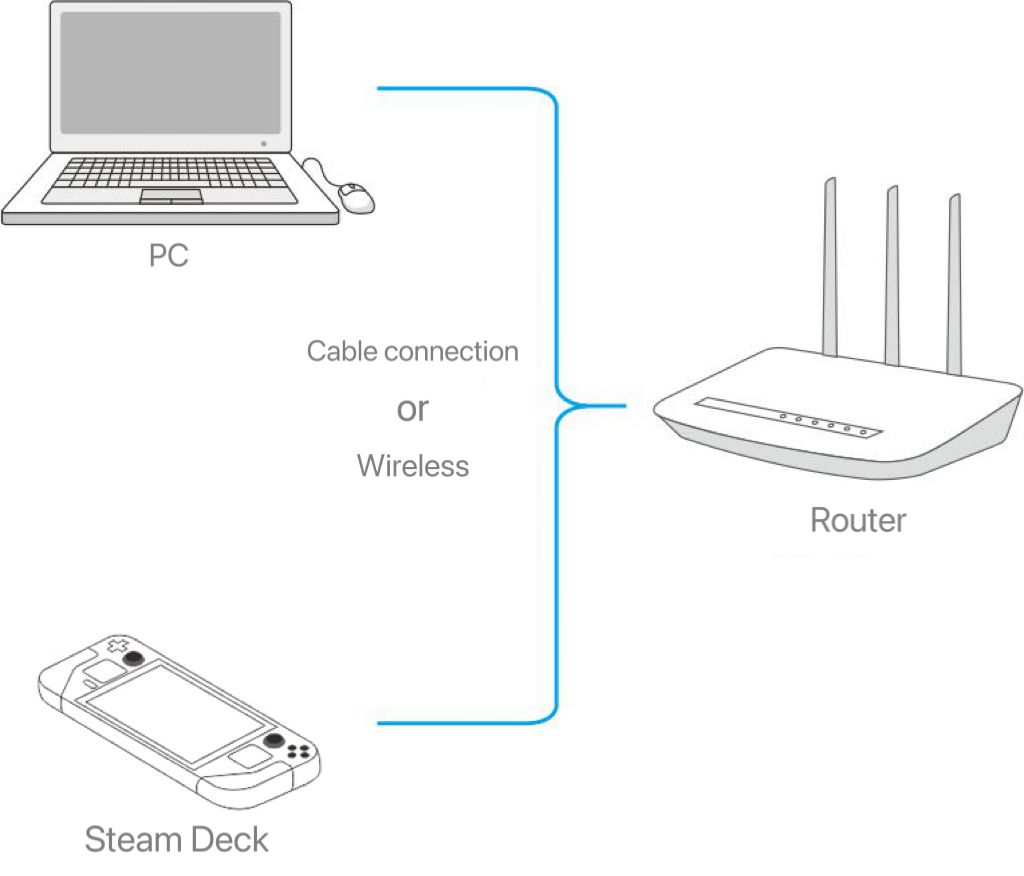
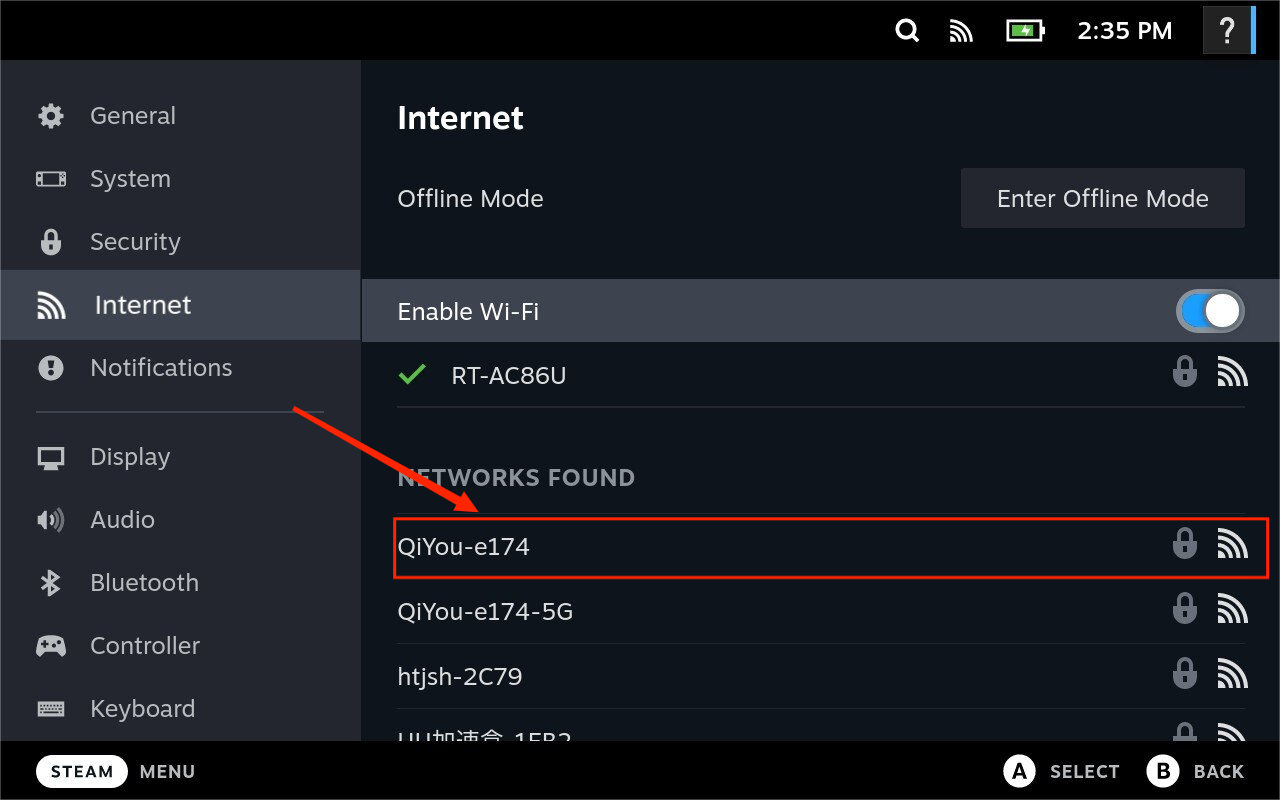
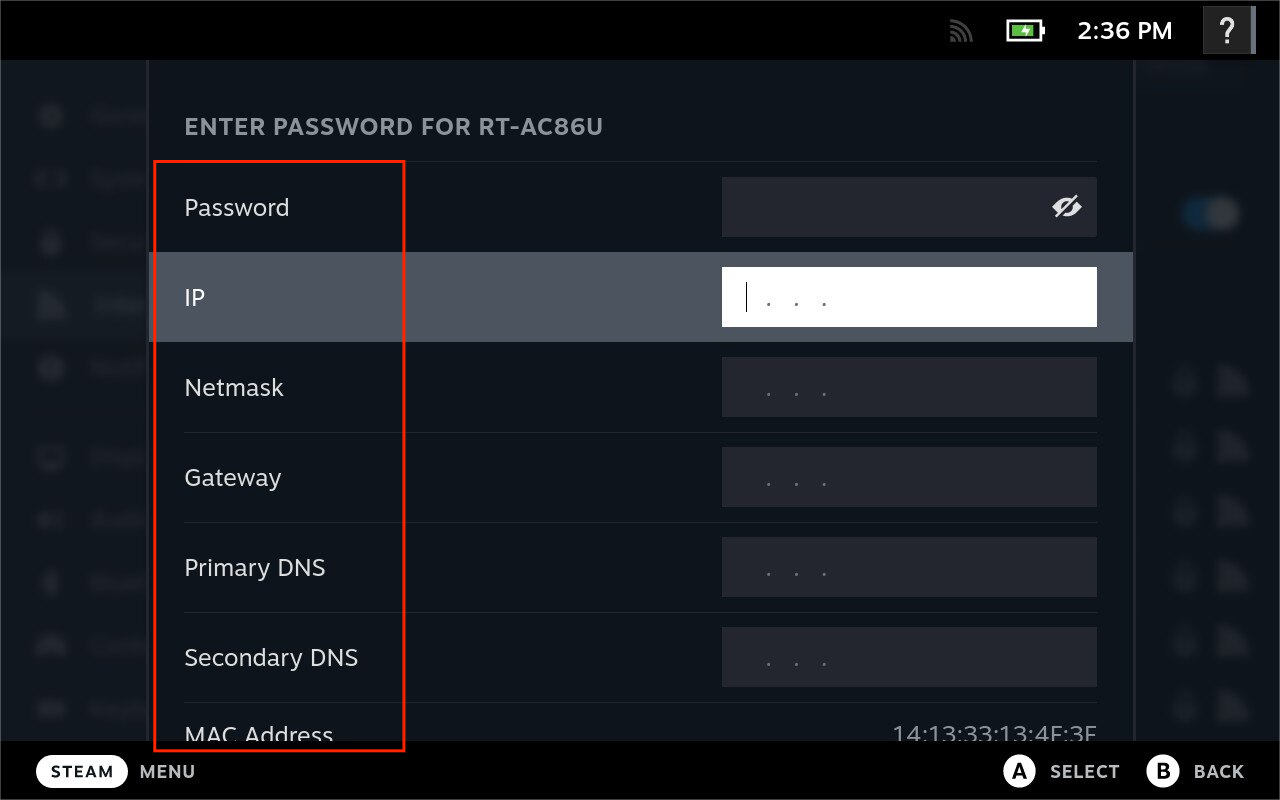
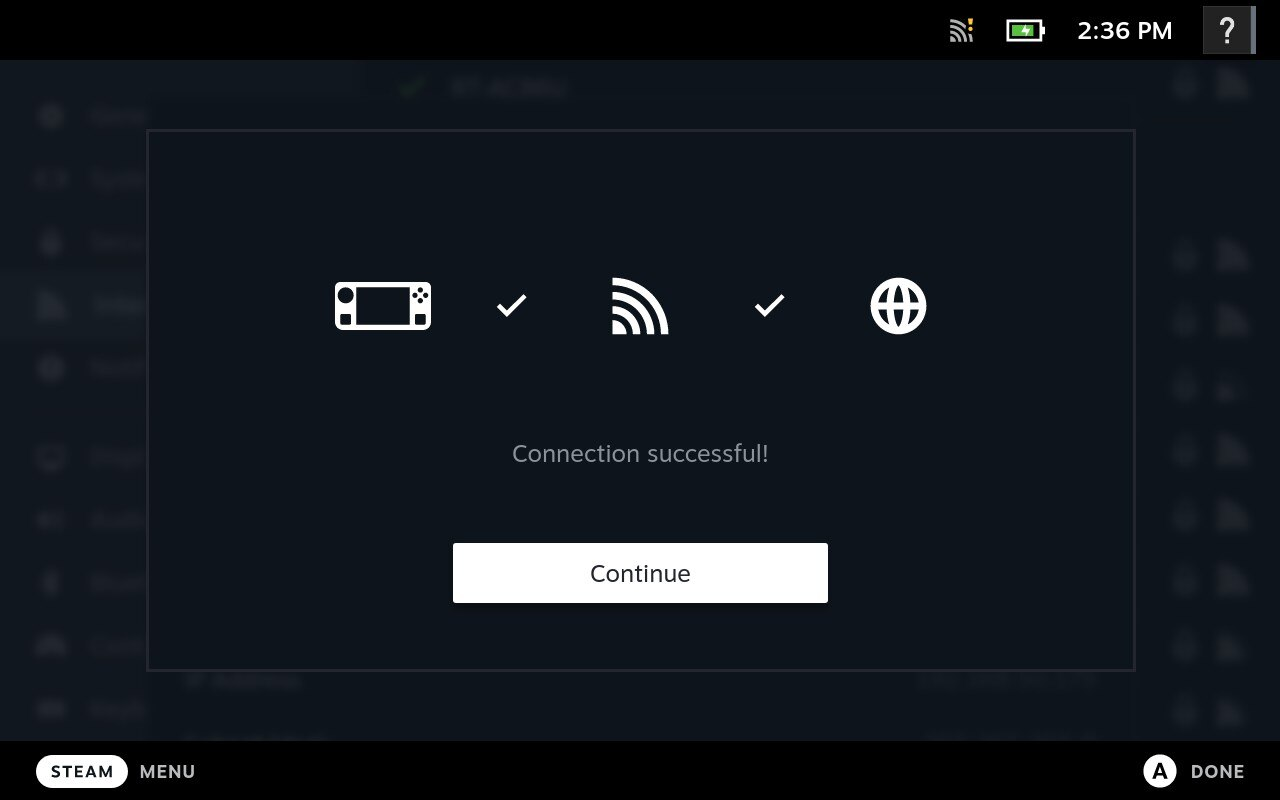
3. Do not enter the password first
Было ли это полезно?

Да

Нет
Не можете найти ответ на интересующий вас вопрос?
Свяжитесь с намиМы используем файлы cookie и собираем обезличенные данные о пользователях для улучшения работы сайта, персонализации контента, анализа производительности и показа целевой рекламы. Нажимая кнопку «Принять», вы даете согласие на обработку таких данных. Подробнее.